Install, configure, and launch TokGrab without guesswork.
TokGrab is a self-hosted TikTok viewer and downloader script. This documentation focuses on the real buyer path: installation, configuration, API setup, themes, plugins, troubleshooting, and release checks.
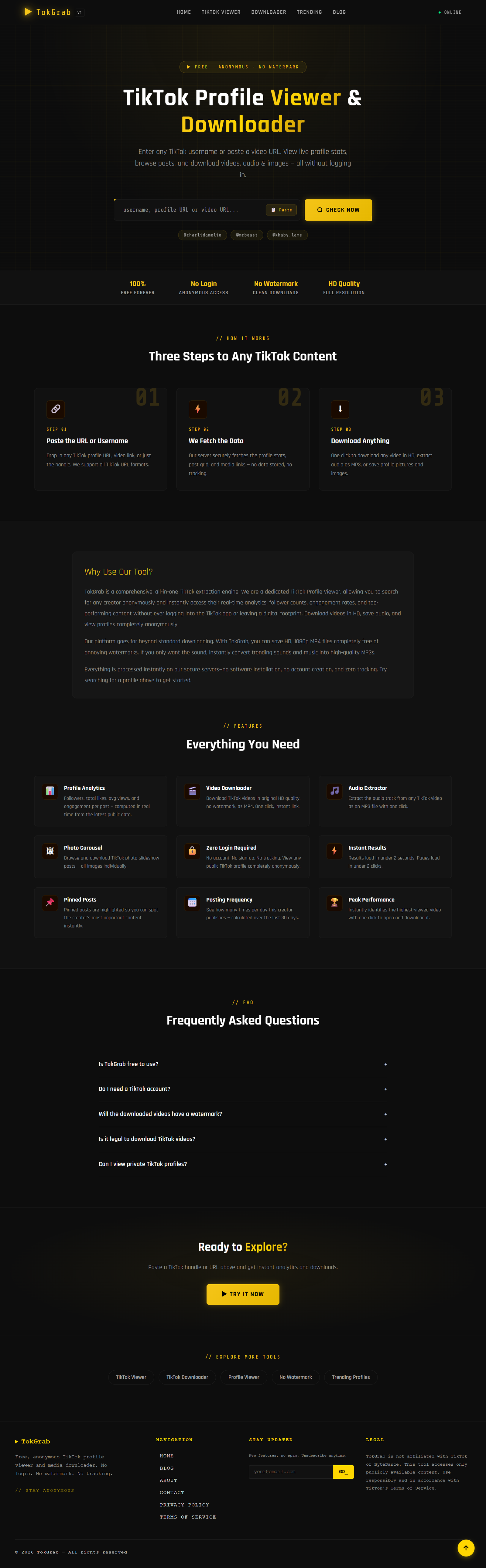
TokGrab works on Hostinger hPanel, standard cPanel hosting, and VPS setups that meet the PHP and MySQL requirements listed in the installation guide.
Recommended Path
1. Install
Run the browser-first installer, verify hosting requirements, create the admin user, and lock the install flow.
2. Configure
Set branding, API providers, Turnstile, SMTP, analytics, ad slots, SEO settings, and public content rules.
3. Extend
Apply the free built-in themes or upload approved theme and plugin ZIPs to unlock premium modules safely.
4. Manage
Run your site from the admin panel: dashboard analytics, content, themes, plugins, subscribers, and system health.
5. Verify
Use the release-candidate checklist before packaging, uploading, or calling the build ready for buyers.
What TokGrab Includes
Installer-first deployment
Shared hosting friendly setup with environment checks, database step, migrations, admin creation, and install lock.
Multi-provider runtime
RapidAPI, TikWM, TikAPI, Custom Gateway, and Apify Gateway with optional silent fallback between configured providers.
Monetization-ready admin
Ads, affiliate cards, SMTP, social links, SEO Engine Pro, custom pages, and content controls without editing code.
Hosting Overview
Shared hosting
Use Hostinger hPanel or cPanel with the domain root pointed to the public directory.
Installer flow
The browser installer handles environment checks, database setup, migrations, admin creation, and final lock.
Buyer ownership
Each buyer uses their own hosting account, database, domain, API keys, SMTP settings, and ad network accounts.
Core Pages
- Installation Guide
- Configuration Guide
- API Providers
- Themes & Extensions
- Admin Panel Guide
- Troubleshooting
- FAQ
- Security Model
- Upgrade Guide
The public site
Beyond the downloader, TokGrab ships a full public site — all editable from the admin panel, no code required:
Blog & guides
Publish SEO articles with cover images, excerpts, tags, and meta fields.
Profile & video pages
Clean viewer and downloader pages for profiles and single videos.
SEO landing pages
Built-in viewer/downloader landing pages plus ad and affiliate slots.